
1. After clicking the "Create Shipping Label" button, a pop-up window will appear. Follow the prompts until you reach the "Select Shipping Rate" page.
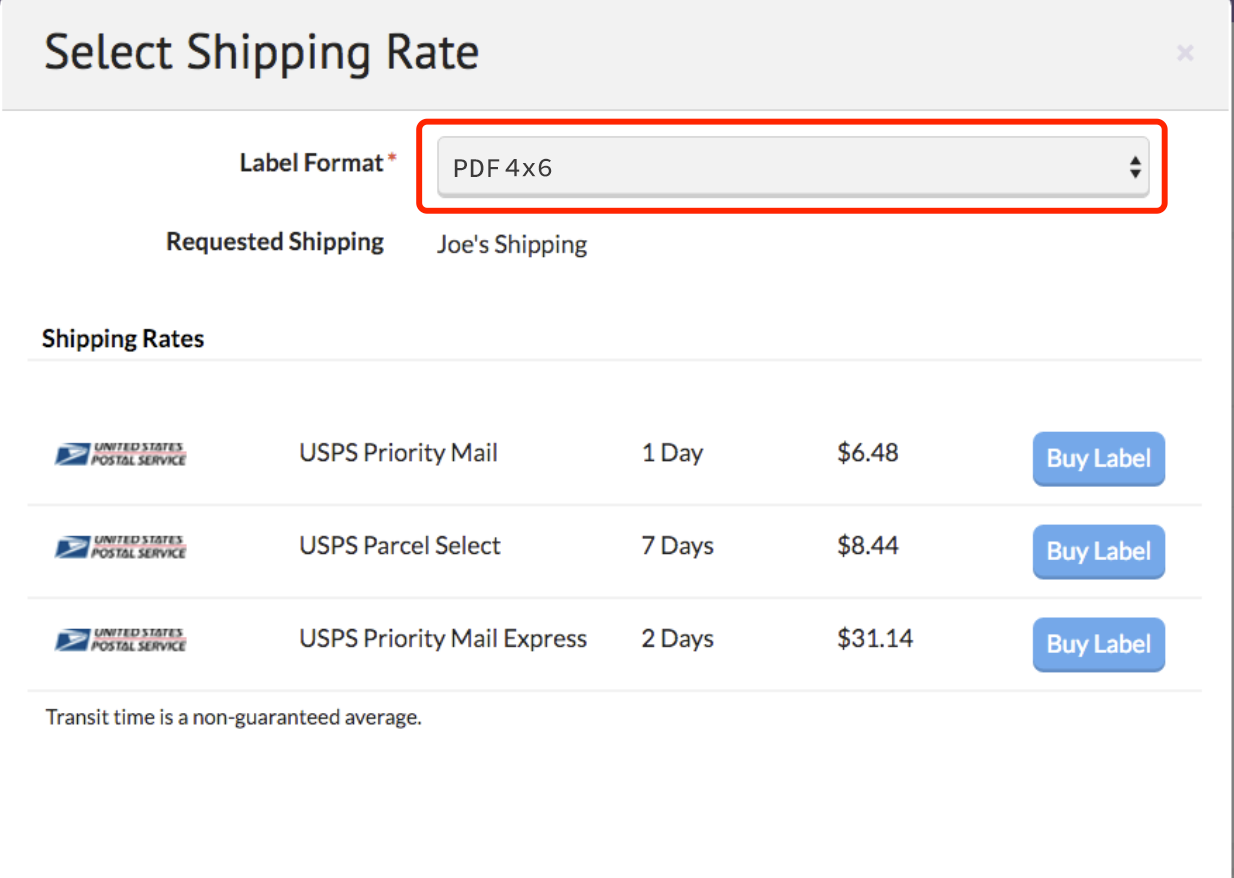
2. Switch the label format to "PDF 4x6". Please note that this adjustment will only apply to newly created labels.
 Referential link:
https://support.sellbrite.com/en/articles/3367223-shipping-your-orders-with-sellbrite
Hot tip:
If you're using an iPhone with Sellbrite, go to "Save Label" and scroll down—you’ll see the "Print with FlashLabel Pro" option (see screenshot). You can print directly from here, no need to save PDFs or images first.
